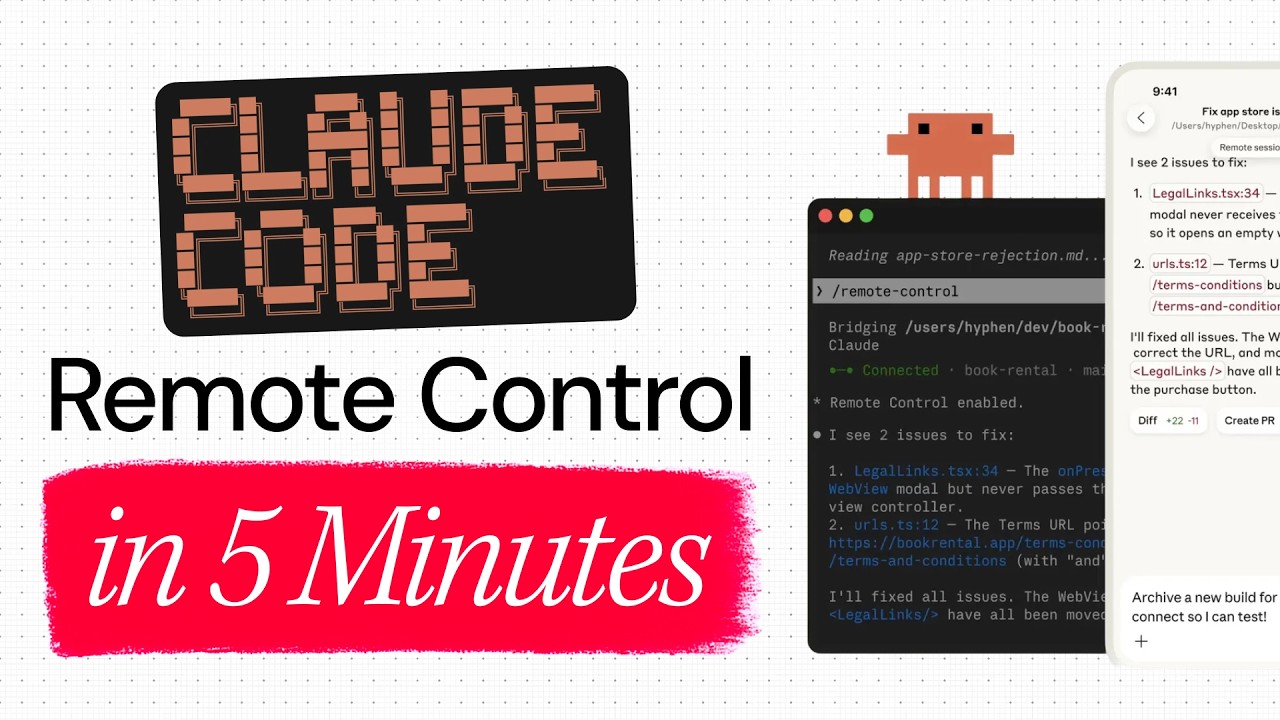
Introduction to Claude Code Remote Control
Antropic has introduced a new feature called Claude Code Remote Control that allows users to manage their terminal sessions from their phone. This feature is integrated into the Claude app, enabling developers to work on their projects from anywhere, maintaining the workflow they have on their desktop.
Setting Up Remote Control
Setting up the Remote Control is straightforward. Users need to enable it in their terminal session by executing a specific command. Once this is done, the session becomes accessible on the Claude mobile app. This setup allows users to see and control their terminal session directly on their phone, providing a seamless transition from desktop to mobile.
Benefits and Usage
The Remote Control feature is particularly useful for those who predominantly use Claude Code in the terminal. It allows for multiple interactive sessions, ensuring that developers can continue their work without interruption. The mobile app mirrors the terminal interface, including command prompts, making it easy to proceed with tasks remotely.
Why It Matters
This feature addresses the challenge of maintaining a continuous workflow when switching from a desktop to a mobile environment. It ensures that developers can remain productive even when away from their primary work setup, which is crucial for those who are constantly on the move.
Community and Resources
Chris, the presenter, has a background in designing apps and advising startups. He runs a community focused on AI tools and encourages viewers to explore building AI businesses. The video concludes with an invitation to join this community for further learning and support.